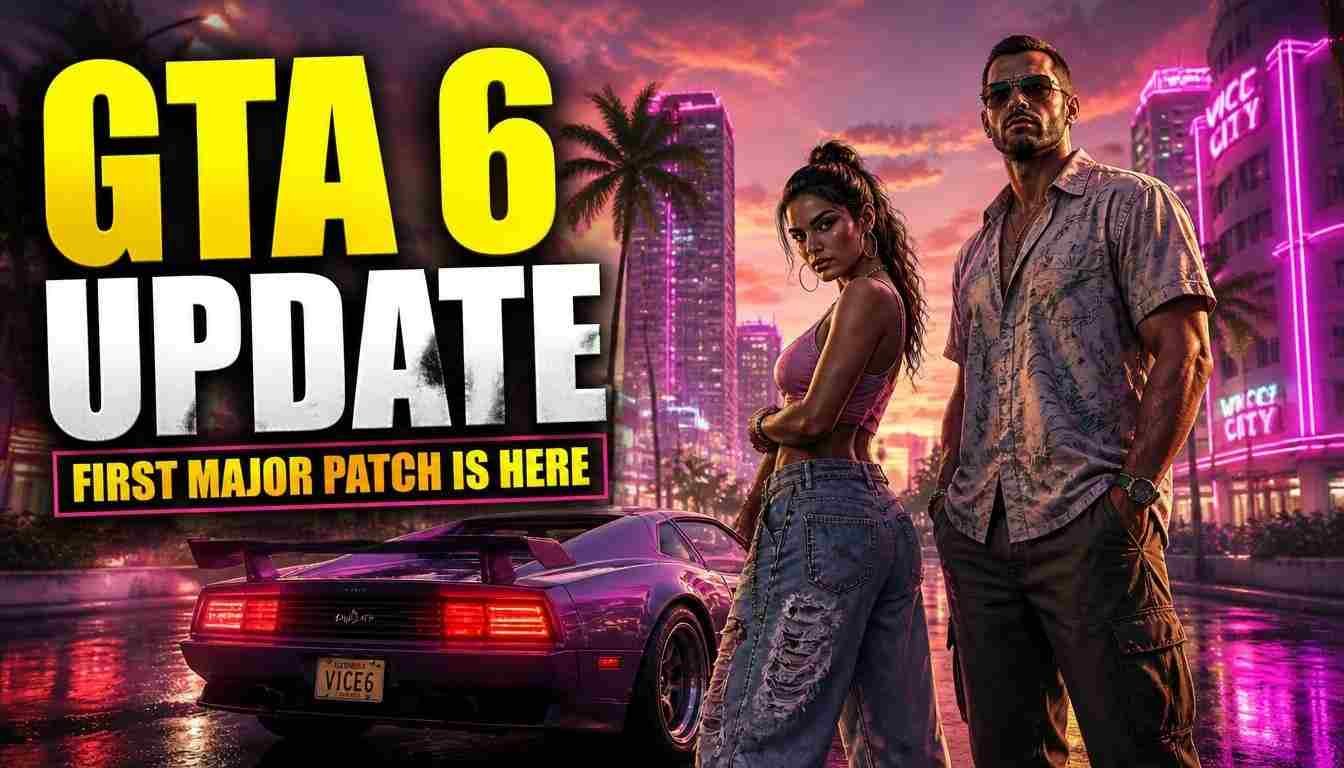
The latest GTA 6 update brings some much-needed changes to Grand Theft Auto VI. Since its launch, players have enjoyed the game’s huge world, rich story, and fun side activities. However, a few annoying bugs have made the experience less smooth than fans hoped. Some players lost hours of progress due to broken autosaves. Others faced stuck weather, missing phone calls, and sudden game crashes. Now, Rockstar has rolled out its first major post-launch patch to address these problems. Released on November 23, this update focuses on making the game more stable and fixing issues that affect normal play. In this guide, we will look at the new fixes, patch details, platform versions, and what players should know before jumping back into the game.
What Is New in the Latest GTA 6 Update?
Rockstar has started rolling out a new patch for GTA 6 on PlayStation 5 and Xbox Series X|S. This is the first major update since the game’s record-breaking launch. It may look like a small patch, but it fixes several issues that had caused real trouble for players.
One of the biggest changes is the fix for the autosave system. Rockstar has also worked on game crashes, weather problems, and phone calls that failed to appear. These changes aim to make both story missions and free-roam activities more reliable.
The new patch comes with different version numbers on each console. Here are the key details:
| Update Details | Information |
|---|---|
| Game | Grand Theft Auto VI |
| Update release date | November 23, 2026 |
| PS5 version | 01.002.002 |
| Xbox version | 1.0.2.2 |
| PS5 download size | 603.8 MB |
| Xbox download size | 1.6 GB |
| Developer | Rockstar Games |
| Main focus | Bug fixes and stability |
The GTA 6 update today is rolling out in stages. So, some players may see it before others. If the patch is not showing on your console yet, check again later.
GTA 6 Autosave Fix: A Big Relief for Players
One of the most talked-about problems in GTA VI was its autosave system. Most modern games save your progress in the background. This helps players keep their rewards, items, and completed tasks without doing anything.
But GTA 6 had a different problem. Its autosave system did not always save progress during free-roam play. It seemed to save more often during missions or at key story points. As a result, players could spend hours exploring the map, buying items, or robbing stores and still lose that progress.
Imagine spending five hours in the game, only to find that your progress is gone when you return. That is a tough feeling, especially when you have worked hard to earn money or complete side tasks.
Rockstar has now listed an autosave fix in its latest patch notes. This is one of the most welcome changes in the new GTA 6 update.
What Was Wrong With the Old Autosave System?
The old system did not seem to save progress often enough outside the main story. This created a gap between what players did and what the game actually saved.
Some players reported losing several hours of play. One widely discussed case involved Twitch streamer JasonTheWeen, who reportedly lost around 12 hours of progress. The incident showed how frustrating a simple save issue could become.
How Does the New Autosave Fix Help?
Rockstar says it has fixed an issue that stopped the game from saving correctly. The exact change is not fully clear yet. Still, the fix should help make progress saving more reliable.
Here are the main points:
Better autosave reliability: The patch targets errors in the save system.
Less risk of lost progress: Players should face fewer problems with missing saves.
Better free-roam experience: Side tasks and open-world play should feel safer.
More peace of mind: Players can spend more time exploring without the same worry.
However, it is still wise to save your game manually from time to time. An autosave fix is good news, but keeping an extra save is always a smart move.
GTA 6 First PS5 Patch: What Does It Fix?
The GTA 6 first PS5 patch is part of Rockstar’s first post-launch bug-fix release. It carries version number 01.002.002 on PlayStation 5.
The patch is not just about autosaves. It also targets several bugs that can affect the story and normal gameplay. Some of these problems may seem small at first, but they can make a big difference during long play sessions.
For example, a phone call may seem like a simple part of the game. But what happens when that call is needed to unlock your next mission? A missed call can leave you stuck with no clear way to move forward.
This is why the first patch matters. Rockstar is not only fixing visual or minor issues. It is also working on bugs that can stop players from enjoying the full game.
GTA 6 Phone Call Bug Fixed: Story Missions Can Move Forward
Phone calls play an important role in Grand Theft Auto VI. Some calls help move the story forward, while others unlock new tasks and missions.
Before the latest patch, some players faced a strange issue. A required phone call would fail to appear at the right time. Without that call, the next mission could remain locked.
This was more than a small gameplay problem. Players could wait, explore, and try different things without knowing why the story was not moving forward.
Rockstar has now fixed several issues with phone calls that trigger mission content. This should make story progress smoother and reduce the chance of getting stuck.
What Did the Phone Call Bug Do?
The bug affected calls that were needed to unlock parts of the campaign. If the game failed to trigger one of these calls, players could not continue as planned.
Rockstar has not named the exact characters or missions linked to this issue. It has also not explained whether a missed call will appear automatically after loading an old save.
What Should Players Do Now?
If you are stuck while waiting for a story call, first make sure your game has the latest patch installed.
You can also try these steps:
Check the game version on your console.
Install the latest available patch.
Restart the game.
Load your saved progress.
Check whether the required call or mission becomes available.
The phone call fix is an important part of the new GTA 6 update, as it helps players enjoy the story with fewer interruptions.
GTA 6 Weather Bug Fixed: Dynamic Weather Works Better
The weather system is one of the best parts of Grand Theft Auto VI. Rain, storms, clouds, and changing skies help make the game world feel alive. But some players noticed something strange after launch. They played for many hours without seeing much rain or a proper thunderstorm.
At first, some fans thought this was just how the game’s weather worked. Later, players began to suspect a bug. The weather system was not changing as expected.
Rockstar has now included a fix for this issue in the latest GTA 6 update. This should help the dynamic weather system work as intended. Players can expect a more natural mix of weather during their time in the game.
Why Is the Weather Fix Important?
Weather is more than just a visual effect. It adds life to the open world and helps make each play session feel fresh.
Think about driving through the city during heavy rain. The wet roads, dark clouds, and stormy sky can change the whole mood of a scene.
The weather fix should help bring back that sense of change. It also shows that Rockstar is paying attention to player feedback.
GTA 6 Update Fixes Several Game Crashes
Game crashes can ruin even the best gaming session. Imagine reaching a key moment in a mission and suddenly seeing your game close. It can be very frustrating.
Rockstar has included several crash fixes in its first post-launch patch. The studio has not shared a full list of every crash issue that has been fixed. Still, this is a welcome step toward a more stable game.
The main goal is to reduce unexpected shutdowns and make gameplay more reliable. This is especially useful for players who enjoy long sessions.
However, this does not mean every possible crash has been removed. More patches may still be needed as Rockstar finds and fixes other issues.
Wanted Level Bug Gets Attention
The Wanted Level system is a key part of the GTA experience. It adds tension when players break the law or get into trouble with the police.
But a bug made it hard for some players to lose their Wanted Level. This could turn a normal escape into an annoying task.
Rockstar has addressed an issue related to this system in the latest patch. The fix should make it easier for the Wanted Level to work as intended.
This is a useful change for players who enjoy exploring the city and getting into trouble. After all, escaping the police is part of the fun of GTA.
Emergency Alert System Test Today: What to Expect at 2:20 p.m. ET
Gym and Fence Bugs Also Fixed
The latest patch also includes a few smaller fixes related to the gym and fences. Rockstar has not shared much detail about these specific problems.
Even so, these changes matter. A bug in a small activity or object can affect how the world feels. When several small problems build up, they can make a great game feel less polished.
The GTA VI update aims to improve these small parts of the experience along with the major fixes.
Here is a quick look at the other reported changes:
Gym-related fixes: Addresses some issues linked to gym activities.
Fence-related fixes: Fixes certain problems involving fences.
General improvements: Helps make normal gameplay more stable.
Mission support: Works alongside fixes for phone calls and story progress.
Complete GTA 6 Patch Notes: All Major Fixes Explained
If you want a quick overview, the table below covers the main changes in Rockstar’s November 23 patch.
| Feature | What Rockstar Fixed |
|---|---|
| Autosave | Fixed incorrect autosave behavior |
| Phone calls | Fixed calls that failed to trigger |
| Game crashes | Fixed several crash issues |
| Dynamic weather | Fixed weather getting stuck |
| Wanted Level | Fixed an issue with losing Wanted Level |
| Gym | Added fixes for gym-related issues |
| Fences | Fixed some fence-related problems |
| General gameplay | Included other improvements |
These are the main points from the available GTA 6 patch notes. Rockstar has not provided full technical details for every fix.
GTA 6 Update 01.002.002: PS5 and Xbox Details
Rockstar has used different version numbers for the same patch on different consoles. This is normal, as each platform can display its own software version.
The PlayStation 5 version is listed as 01.002.002. On Xbox Series X|S, the update appears as 1.0.2.2.
The download size is also different. PS5 players need around 603.8 MB, while Xbox players need around 1.6 GB.
Here is a simple comparison:
| Platform | Version | Download Size |
|---|---|---|
| PlayStation 5 | 01.002.002 | 603.8 MB |
| Xbox Series X|S | 1.0.2.2 | 1.6 GB |
The Rockstar GTA 6 update 01.002.002 is being released in stages. So, do not worry if your friend gets it before you. Your console may receive the update a little later.
Does the New GTA 6 Update Improve FPS and Performance?
Many players want to know whether this patch improves the game’s frame rate. It is a fair question, especially for players who want smoother gameplay.
However, Rockstar has not listed any major FPS or performance upgrades in these patch notes. The update mainly focuses on bug fixes and game stability.
This means players should not expect a major change in frame rate from this patch. The game is still reported to run at 30 FPS on the supported consoles.
Here is what you should know:
No official 60 FPS mode has been announced in these patch notes.
The update does not list a major graphics upgrade.
Several crash and gameplay bugs have been addressed.
More performance changes may come in future patches.
So, if you were hoping for a big FPS boost, you may need to wait for a future Rockstar update.
Is the Red Barn Money Glitch Still Working?
Another topic getting attention is the red barn money glitch near Hamlet. Some players have reported that this trick still works after the November 23 patch.
Interestingly, Rockstar did not mention this glitch in the published patch notes. That does not guarantee it will remain available forever.
Game glitches can be fixed without much notice. Rockstar may also address money exploits in a future release.
If you enjoy finding hidden tricks in the game, keep in mind that not every glitch is permanent. A future GTA 6 patch could change how these tricks work.
How to Download and Install the Latest GTA 6 Update
Installing the latest patch is simple. Most consoles can download game updates automatically. But you can also check for updates by hand.
On PlayStation 5
Open your PS5 home screen.
Find Grand Theft Auto VI.
Press the Options button on your controller.
Select Check for Update.
Download the patch if it is available.
Wait for installation to finish before opening the game.
On Xbox Series X|S
Open My Games & Apps.
Go to Games.
Find Grand Theft Auto VI.
Open the game management options.
Check for available updates.
Download and install the latest version.
Once the update is installed, check your game version. This helps you confirm that you are playing with the latest available patch.
What Can Players Expect From Future GTA 6 Updates?
The first major patch is a good sign for the future of GTA VI. Rockstar has already responded to several problems that players noticed soon after launch.
But there is still room for improvement. Fans may want better performance, more gameplay options, and fixes for bugs that have not yet been addressed.
Future GTA 6 updates could focus on areas such as:
Better game performance and stability.
More fixes for story and side missions.
Improvements to open-world activities.
Better save system reliability.
Fixes for new bugs found by players.
Further improvements to the weather system.
These are possible areas for future work, not confirmed features. Rockstar has not shared a full roadmap for upcoming patches.
Final Thoughts on the Latest GTA 6 Update
The first major post-launch patch is an important step for Grand Theft Auto VI. It fixes several problems that affected normal gameplay, including autosaves, phone calls, weather, and crashes.
The autosave fix may be the biggest relief for players who enjoy spending hours in the open world. The phone call fix is also important because it helps prevent story progress from getting stuck.
Still, this is not a major content release. It does not add a new story chapter or promise a 60 FPS mode. Its main goal is to make the game work better.
Overall, Rockstar seems to be listening to player feedback. I hope future patches continue this trend and make GTA VI even more fun to play.
Frequently Asked Questions About GTA 6 Update
1. What is the latest GTA 6 update?
The November 23, 2026 patch is the first major post-launch update covered in this guide. It fixes several issues with autosaves, phone calls, weather, and game crashes.
2. What is the GTA 6 update version on PS5?
The PlayStation 5 version is 01.002.002. Its reported download size is around 603.8 MB.
3. What is the GTA 6 update version on Xbox?
The Xbox Series X|S version is 1.0.2.2. The reported download size is around 1.6 GB.
4. Does the new GTA 6 update fix the autosave problem?
Yes. Rockstar says it has fixed an issue that caused the game to autosave incorrectly. Players should still save their progress by hand from time to time.
5. Does the GTA 6 patch fix the phone call bug?
Yes. The patch fixes several issues with calls that trigger mission content. This should help players who were unable to move forward in the story.
6. Does the latest GTA 6 update add 60 FPS support?
No 60 FPS upgrade is listed in the November 23 patch notes. The update focuses on bug fixes and stability rather than a new frame rate mode.
7. Why is my GTA 6 update not showing?
Rockstar is rolling out the patch in stages. Your console may not have received it yet. Check again later and make sure your internet connection is working.
8. Is the GTA 6 red barn money glitch fixed?
The November 23 patch notes do not mention the red barn money glitch near Hamlet. Some players have reported that it still works, but this may change with a future patch.