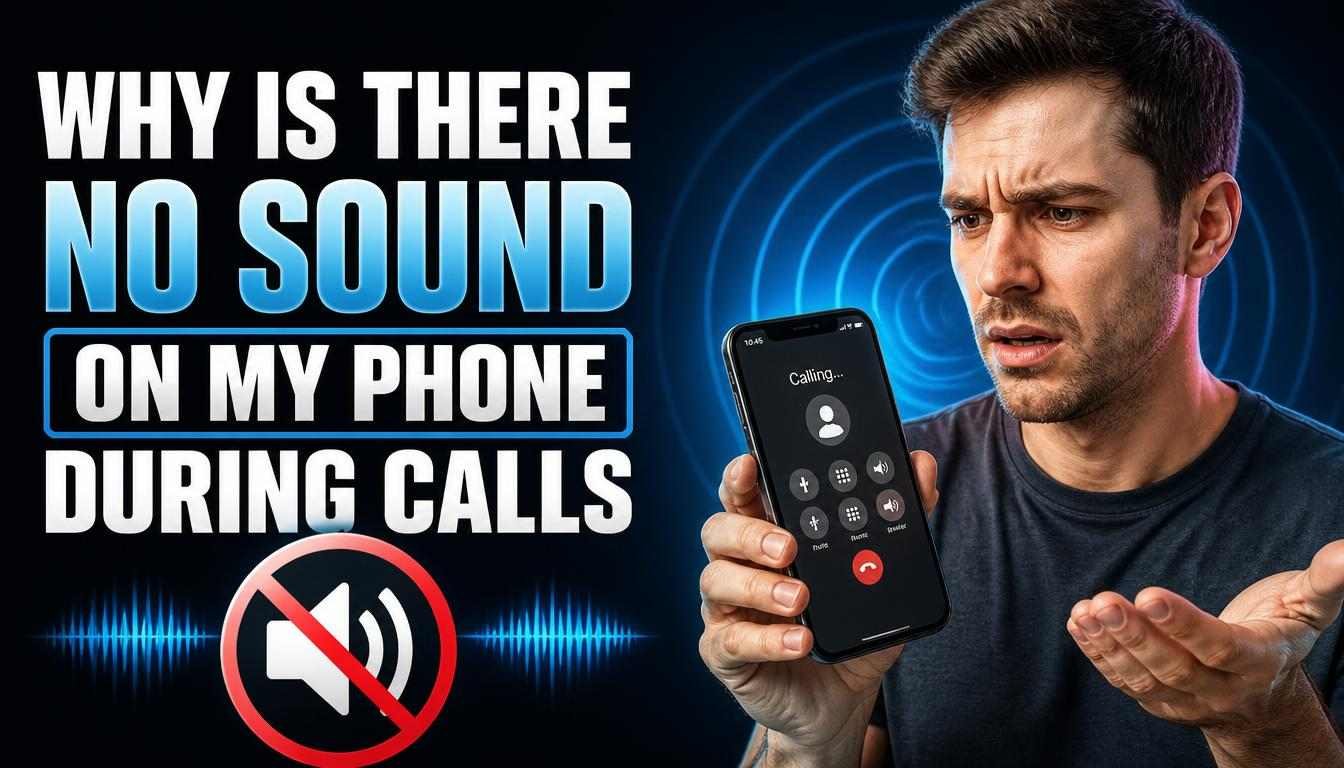
Have you ever answered a call and heard nothing? You can see the call timer moving, but the other person sounds far away or stays silent. It can be stressful, especially when you need to talk to family, friends, or work contacts. If you wonder why is there no sound on my phone during calls, do not worry just yet. The cause may be a low call volume, a Bluetooth link, a blocked earpiece, or a small software bug. In this guide, you will learn how to find the cause and fix it on your iPhone or Android phone. Start with the simple steps first, as they may save you time and money.
Why Is There No Sound on My Phone During Calls?
There are several reasons why your phone may not play sound during a call. Your phone may send the audio to a headset, or the call volume may be too low. Dust, a faulty app, poor network service, or a software issue may also cause the problem. The key is to find out when the sound stops working.
For example, if music plays well but calls stay silent, the issue may affect the call audio path. If you can hear the caller on speakerphone but not at your ear, the earpiece may be blocked or faulty. These simple clues can help you find the next step.
Common Causes of No Sound During Phone Calls
Before you change many settings, check these common causes. Each one can affect call audio in a different way.
| Possible cause | What you may notice | What to try |
| Low call volume | The caller sounds very quiet | Raise volume during the call |
| Bluetooth connection | Sound goes to a headset or car | Turn off Bluetooth |
| Blocked earpiece | Speakerphone works, but the earpiece does not | Check for dust or a blocked case |
| Software glitch | Call sound stops without warning | Restart your phone |
| Poor network | Calls break up or sound unclear | Try another place |
| App issue | Calls fail in one app only | Update or check the app |
| Hardware fault | Sound stays missing after basic checks | Get the phone tested |
- Turn Up the Call Volume
One common reason for call silence is low volume. Many phones have separate controls for calls, media, alarms, and ringtones. So, your music may sound loud while the caller is hard to hear.
How to fix it:
Make a call and wait until it connects.
Press the volume-up button while the call is active.
Check whether the sound becomes clear.
Test the call again at a normal volume.
Make sure you press the volume button during the call. On many phones, this changes the call volume, not the music volume. This small step may solve the problem in seconds.
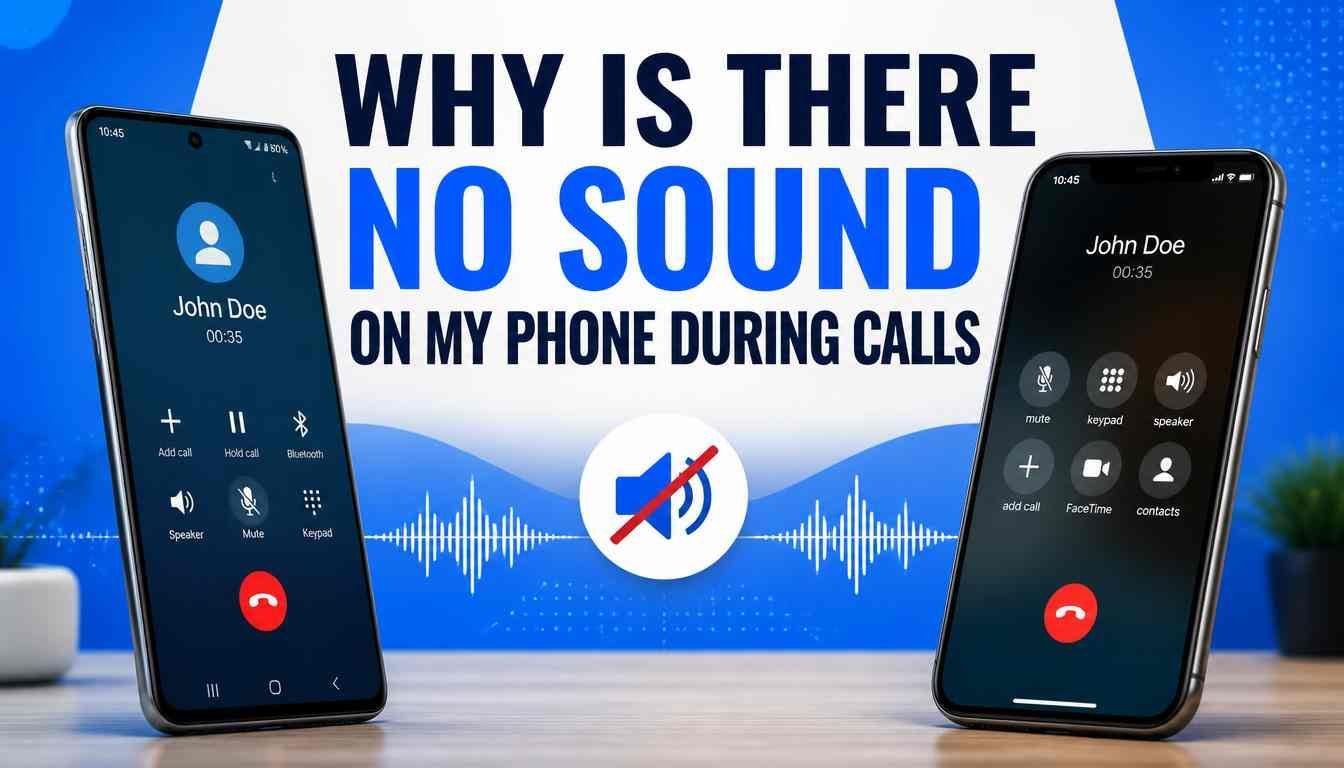
2.Turn Off Bluetooth and Check Audio Output
Your phone may still be linked to wireless earbuds, a car system, or a Bluetooth speaker. When this happens, call sound may go to that device instead of the phone’s earpiece. You may hear nothing if the connected device is far away or has no power.
To fix this, open your phone’s Bluetooth settings and turn Bluetooth off for a short test. Make another call and check whether the sound returns. If it does, review your connected devices and disconnect any device you do not need.
This is an important check if you recently used earbuds or got out of your car. Your phone may still try to use the last audio device.
3.Check the Earpiece and Speaker
If you can hear the caller on speakerphone but not through the small receiver at the top of your phone, the earpiece may be blocked. Dust, lint, a thick case, or a poorly fitted screen protector can affect sound. In some cases, the receiver itself may have a fault.
Try these steps:
Remove the phone case for a test call.
Check whether the screen protector covers the receiver.
Use a clean, dry, soft brush to remove surface dust.
Switch between the earpiece and speakerphone during a call.
Do not push pins or other sharp objects into the speaker holes. Avoid liquids and compressed air, as these may cause damage. If the earpiece stays silent after these checks, a technician can test it.
Read More : Redmi Turbo 6 Max: Expected Price, Specs, Features, and Launch Date
4.Restart Your Phone
Sometimes, a phone’s sound system stops working due to a temporary software error. This can happen after an update, a long period of use, or an app crash. A restart can refresh the system and clear many short-term problems.
Save any work you have open, then restart your phone. Wait for it to turn on fully and place a test call. Check both the normal earpiece and speakerphone.
If the sound returns, the issue may have been temporary. If it keeps happening, move on to the next steps rather than restarting the phone again and again.
5.Check Whether the Problem Affects Every Call
Before changing more settings, test the issue with another person. A problem with one caller or one calling app does not always mean your phone is damaged. Network trouble or an app error may be the cause.
Try these checks:
Call a different person.
Test a call in another location.
Compare a normal mobile call with an internet call.
Note whether the issue happens every time or only sometimes.
If only mobile calls fail in one area, weak network service may be involved. If every call is silent across different locations and apps, your phone may need a closer check. These tests help narrow down the cause before you pay for a repair.
6.Update Your Phone Software
Old software can sometimes cause audio bugs or call problems. An update may include fixes for these issues. It is worth checking for updates if the problem began after a system change or has continued for several days.
On most Android phones, open Settings and look for Software update or System update. On an iPhone, open Settings, tap General, and select Software Update. Follow the steps shown on your screen.
Use a stable internet connection and keep enough battery power before updating. Menu names may vary by phone model. After the update, make another call to see whether the sound works as it should.
7. Why Is There No Sound on My Phone During Calls iPhone?
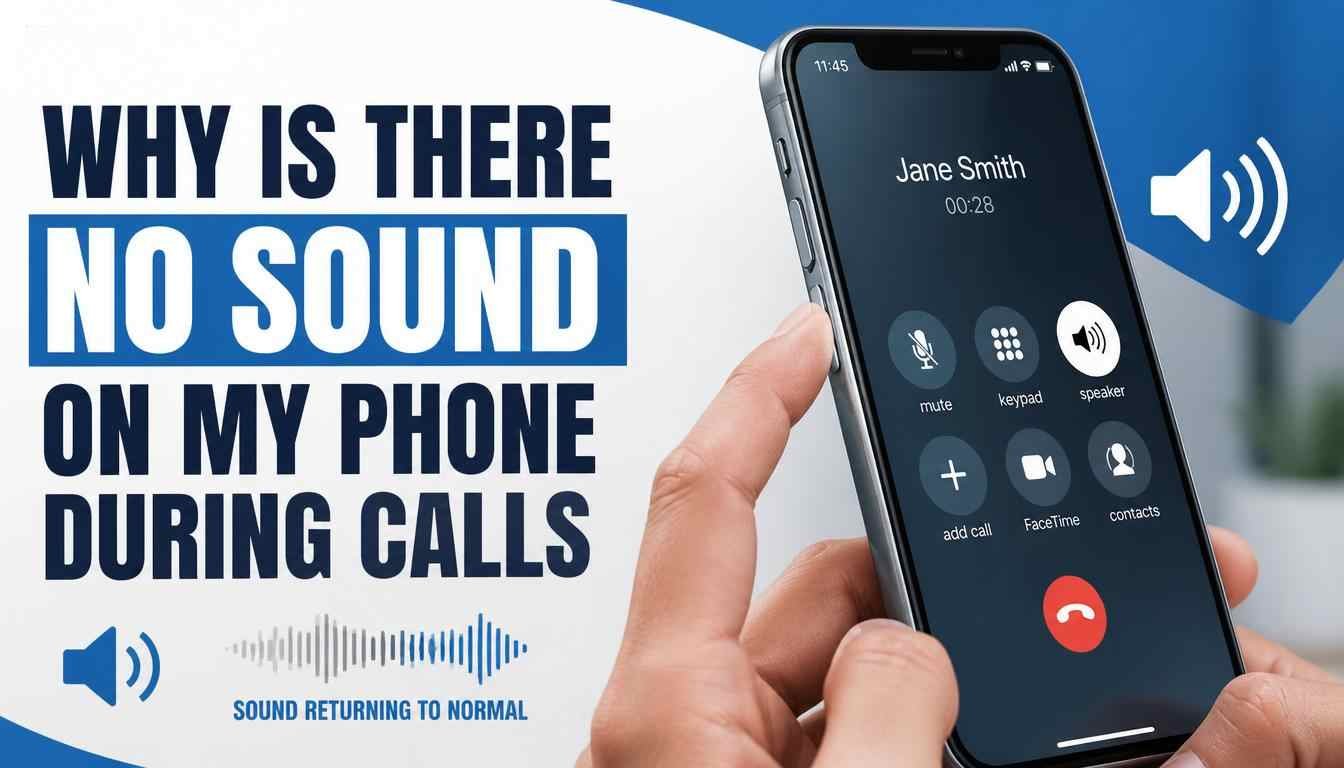
If you want to know why is there no sound on my phone during calls iPhone, start by checking the call volume and audio output. Your iPhone may send the call to a Bluetooth headset or another connected device. A blocked receiver or a temporary iOS issue may also cause the problem.
Try these steps:
During a call, press the volume-up button.
Tap the audio button on the call screen and select iPhone.
Turn off Bluetooth for a test call.
Remove your case and check the receiver opening.
Restart your iPhone and check for an iOS update.
If incoming calls do not ring, check Silent mode and Focus settings. These settings affect alerts, while the audio output setting controls where you hear a live call. If you still cannot hear anyone, test another caller before seeking repair.
8. Why Is There No Sound on My Phone During Calls Android?
If you are asking why is there no sound on my phone during calls Android, the issue may be linked to call volume, Bluetooth, an app, or the phone’s sound settings. Android menus can differ between Samsung, Google Pixel, Xiaomi, Redmi, and other brands. Still, the first checks are much the same.
Follow these steps:
Make a call and raise the call volume.
Turn off Bluetooth and test the phone again.
Restart your phone.
Check for system and app updates.
Test the call using speakerphone.
On Samsung Galaxy phones, you can check for updates under Settings, then Software update. If the issue began after installing an app, Safe Mode may help you test whether a downloaded app is causing it. Follow the instructions for your exact model, as the steps may vary.
9. Fix the Problem If Calls Work Only on Speaker
Are you thinking, I can’t hear my phone calls unless I put it on speaker Android? This problem can be frustrating because your phone seems to work, but you must use speakerphone to hear the other person. It may point to a blocked or faulty earpiece, though software or audio routing can also be involved.
Try this simple test:
1.Make a call to someone you know.
2.Listen through the normal earpiece.
3.Turn on speakerphone and listen again.
4.Turn speakerphone off and test the earpiece once more.
If speakerphone works every time but the earpiece stays silent, check for dirt, a blocked case, or a screen protector covering the receiver. Clean only the outer surface with a soft, dry brush. If the issue remains, have the receiver and related audio parts checked by a qualified technician.
10. Check for App or Software Problems
Some calling apps may have sound issues even when normal phone calls work. For example, you may hear people on mobile calls but not on WhatsApp or Messenger calls. This can happen because of app bugs, outdated software, or incorrect permissions.
First, update the app and restart your phone. If only one app has the problem, check its settings and permissions. On Android, you can also try Safe Mode to see whether a downloaded app is affecting normal calls, though Safe Mode may disable some third-party calling apps.
Avoid changing many settings at once. Test after each change so you can tell what helped. If the issue affects all calls, the cause may be outside a single app.
11. Check the Microphone if the Other Person Cannot Hear You
Sometimes, the problem is not that you cannot hear the caller. Instead, the other person cannot hear you. This points to a different issue and may involve the microphone, mute control, an accessory, or an app permission.
Try these checks:
Make sure the call is not muted.
Disconnect wired and wireless headsets.
Record a short voice note and play it back.
Check microphone permissions if only one app is affected.
Restart the phone and test another call.
If your voice recording also has no sound, the microphone may be blocked or damaged. Keep the microphone openings clear and avoid poking them with sharp objects. If several tests fail, ask a technician to inspect the microphone and its connections.
12. What to Do if Your Phone Has Water or Drop Damage
If call sound stopped after a fall or liquid spill, the issue may be physical damage. Water can affect the receiver, speaker, microphone, or internal connections. Even if the phone still turns on, some parts may not work as expected.
If the phone is wet, do not charge it or apply heat. Turn it off if it is safe to do so, and follow the manufacturer’s guidance for liquid exposure. Do not rely on sound-playing apps to prove that the inside of the phone is dry.
If the problem started after a drop or spill, seek professional help. Tell the technician whether the earpiece, speakerphone, microphone, or all call audio has stopped working. This will help narrow down the tests needed.
13. Should You Factory Reset Your Phone?
A factory reset may help with some serious software problems, but it should not be your first choice. It removes personal data and returns many settings to their original state. It also may not fix a damaged speaker, microphone, or receiver.
Before considering a reset, try a restart, software updates, and the other checks in this guide. Back up your photos, contacts, files, and other important data if you decide a reset is needed. Make sure you know your account login details before you begin.
If the sound problem continues across all callers and apps, a repair diagnosis may be more useful than a reset. Ask a qualified technician to test the phone before replacing parts.
When Should You Get Your Phone Repaired?
Most call audio problems are worth checking at home first. However, you may need professional help if the issue continues after basic troubleshooting. A technician can test the earpiece, loudspeaker, microphone, and other parts to find the actual cause.
Consider booking a diagnosis if:
The earpiece remains silent but speakerphone works.
All calls have no sound, even after a restart.
The phone was recently dropped or exposed to water.
The sound cuts out during every call.
Your microphone and receiver both seem to have problems.
Do not replace a part based on one test alone. Ask for a clear diagnosis and repair quote before agreeing to the work.
Conclusion
If you are wondering why is there no sound on my phone during calls, start with the simple fixes. Raise the call volume, turn off Bluetooth, check the earpiece, and restart your phone. Then test another caller and check for software updates.
For iPhone and Android users, the best solution depends on the exact symptom. If you can hear the caller on speakerphone but not at your ear, the receiver may need attention. If every call fails across different apps and locations, further testing can help identify the cause. Try the basic checks before paying for a repair or performing a factory reset.
Frequently Asked Questions (FAQs)
1. Why is there no sound on my phone during calls?
The cause may be low call volume, a Bluetooth connection, a blocked earpiece, or a software problem. Raise the volume during an active call and disconnect Bluetooth first. If the issue continues, test speakerphone and another caller.
2. How do I get the sound back during a phone call?
Press the volume-up button while the call is active. Check the audio output and select your phone instead of a connected headset. If that does not work, restart your phone and test another call.
3. Why can I hear calls only on speakerphone on Android?
This may happen when the earpiece is blocked or faulty. It can also result from an audio routing or software issue. Check the receiver opening, remove any case that may block it, and restart the phone. If the problem remains, get the earpiece tested.
4. Why is there no sound on my iPhone during calls but music works?
Music and call audio may use different sound paths and controls. Your call may be routed to a Bluetooth device, or the receiver may be blocked. Check the in-call audio menu, raise call volume, and test the speakerphone.
5. Why can I hear the caller but they cannot hear me?
Your microphone may be muted, blocked, or affected by a faulty accessory. Check the mute button, disconnect Bluetooth devices, and test a voice recording. If only one calling app is affected, review its microphone permission.
6. Can Bluetooth cause no sound during phone calls?
Yes. Your phone may send call audio to connected earbuds, a car system, or another Bluetooth device. Turn Bluetooth off temporarily and make another call. If sound returns, check the connected device and audio settings.
7. Will restarting my phone fix call sound problems?
A restart can fix temporary software glitches that affect call audio. It is a good early step because it does not erase your personal files. If the issue returns or never goes away, continue troubleshooting.
8. Should I reset my phone if calls have no sound?
A factory reset should be a last resort because it erases personal data and may not fix hardware damage. Try basic audio checks, a restart, and software updates first. Back up your data before any factory reset, and seek a diagnosis if the problem continues.