Introduction
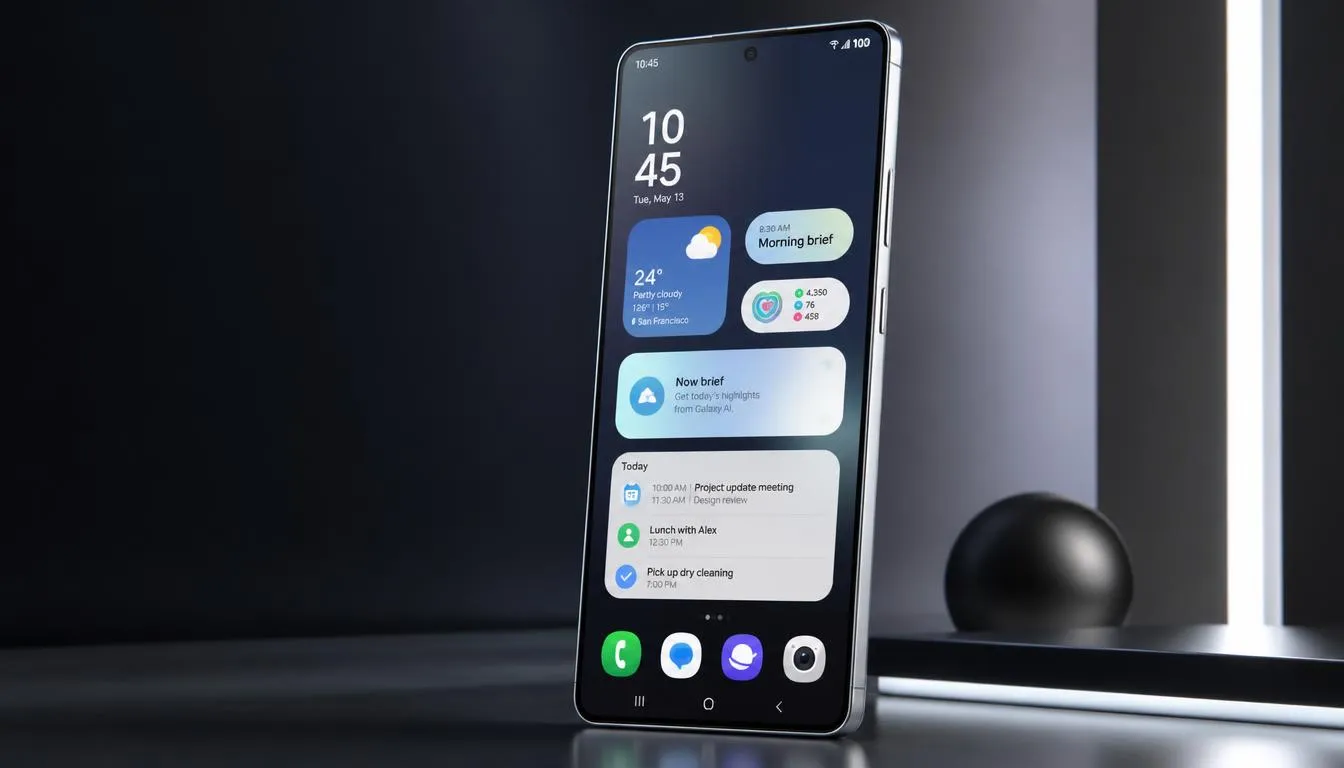
Samsung has started expanding its latest software to more Galaxy phones. For owners of the Galaxy S25 Ultra, the arrival of one ui 9 s25 ultra is a major software update to watch. The new One UI 9.0 is based on Android 17 and brings smarter Galaxy AI tools, better privacy controls, easier device care, and faster daily tasks. The update is not just about a new look. It aims to make the phone feel more helpful in real-life use.
For S25 Ultra users, this update can make common tasks feel smoother. Samsung is also adding tools that can understand context and offer useful actions at the right time. Some features may depend on region, language, apps, or a Samsung Account. So, the experience may not be the same for every user.
One UI 9 S25 Ultra Update Status
The one ui 9 s25 ultra rollout has started for the 2025 Galaxy flagship series. Galaxy S25, S25+, and S25 Ultra users in South Korea have reported stable update notifications. The update is also expected to expand to other markets in stages.
Samsung first began the wider One UI 9 rollout with the newer Galaxy S26 series. It then moved the software to the 2025 flagship phones. This staged method is normal for Samsung updates. A phone in one country may get the update days or weeks before the same model in another market.
One UI 9.0 and Android 17
One UI 9.0 is built on Android 17. Samsung has added its own Galaxy features on top of Google’s Android platform. This includes new AI tools, improved system features, privacy options, and changes to several Samsung apps.
The main goal is simple. Samsung wants users to spend less time searching through menus and more time getting things done. For example, new context-aware tools can suggest actions while you are texting, recording, translating, or creating images.
One UI 9 S25 Ultra: What Is New?
The Galaxy S25 Ultra has strong hardware, so software can make a big difference. One UI 9 is designed to use that hardware for a more personal experience. The update adds several features that focus on AI, media, communication, security, and device care.
Here are some key areas to watch:
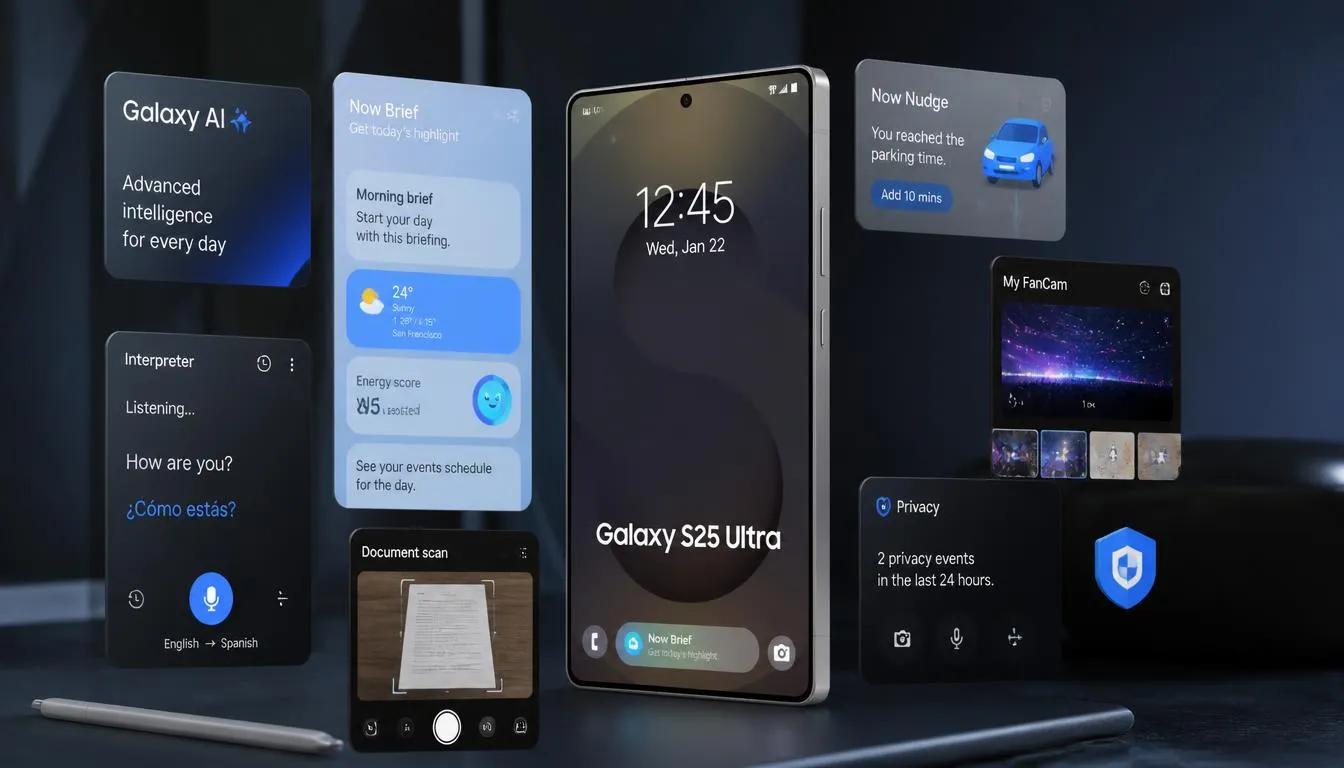
Galaxy AI improvements for daily tasks
My FanCam for automatic video framing
Now Brief cards that can be customized
Now Nudge for useful context-based suggestions
Better Interpreter tools
Improved Document Scan
More structured Voice Recorder summaries
New privacy alerts
Easier warranty and device care controls
My FanCam Makes Video Editing Easier
One interesting feature is My FanCam. It can follow a selected person in a recorded video and keep that person near the center of the frame. This can help when the subject moves around during the recording.
Think about recording a school show or a friend’s dance. The person may move from one side of the frame to another. Instead of manually editing the clip, My FanCam can help keep the selected person in focus. The feature needs a Samsung Account and may not work when there is no clear subject to track.
A Smarter Now Brief
The Now Brief feature is also getting more flexible. Users can create or edit cards that show information that matters to them. These cards can cover areas such as health, weather, and video.
This is useful because not everyone wants the same daily summary. One person may care about weather, while another may want quick updates about personal routines. Samsung says the content is based on information that users have allowed the service to access.
Now Nudge Helps You Take the Next Step
Now Nudge is designed to give useful suggestions based on what you are doing. For example, while planning something in a message, it may help surface reservation details or a shared location.
The idea is to reduce small steps. You do not always need to leave one app, open another app, search for information, and return. When supported, the phone can suggest the next action while you stay in the current flow.
Read More : Honor X9e Pro: 11,000mAh Battery, 108MP Camera and Expected Specs
Better Translation with Interpreter
One UI 9 also improves Interpreter. A new Thread View can help users follow a translated conversation by showing earlier parts of the exchange.
Conversation Mode is also designed to respond faster. With compatible Galaxy Buds, playback can be quicker as well. This can make a translated chat feel less broken and more like a normal conversation.
Document Scan Gets More Useful
Scanning a document is often harder than it looks. A curved book page or folded paper can create shadows and strange shapes. One UI 9 improves Document Scan to handle these difficult pages with less manual work.
The feature is especially useful for students and people who save paper notes on their phones. Compatible large-screen Galaxy devices also get an optimized view. An improved Finger Eraser can help clean unwanted parts from scanned documents.
Voice Recorder Gets Cleaner Summaries
The Voice Recorder app is another area that receives attention. One UI 9 can organize recorded information into a clearer summary. Headings and tables can make long recordings easier to review.
This may be useful after a class, meeting, interview, or personal note. Instead of listening to the whole recording again, users can scan the structured summary first. The exact result can vary based on the recording and supported features.
One UI 9 S25 Ultra Security Features
Samsung is also focusing on security and privacy. One UI 9 can bring important security information into the user’s daily view. This may include warnings about malware, unknown apps, and unnecessary permissions.
Privacy Alerts use on-device AI to identify possible privacy risks. For example, the system may highlight unusual attempts to access permissions in the background. These alerts are designed to give users more control over their personal information.
Warranty and Care in Settings
Another useful change is Warranty and Care. Samsung is bringing device support tools closer to the Settings menu. Users can check warranty information, run device checks, view repair estimates where supported, and manage Samsung Care+ options.
This can save time when something goes wrong. Instead of searching for support information across different places, more tools can be found from one area. Availability will depend on the country, device, and service.
One UI 9 S25 Ultra Update at a Glance
| Feature | What it does |
| My FanCam | Keeps a selected person centered in video |
| Now Brief | Shows more personal daily information |
| Now Nudge | Offers context-based actions |
| Interpreter | Makes translated chats easier to follow |
| Document Scan | Improves difficult document scans |
| Voice Recorder | Creates clearer summaries |
| Privacy Alerts | Helps spot possible privacy risks |
| Warranty and Care | Brings support tools into Settings |
Should S25 Ultra Users Check for the Update?
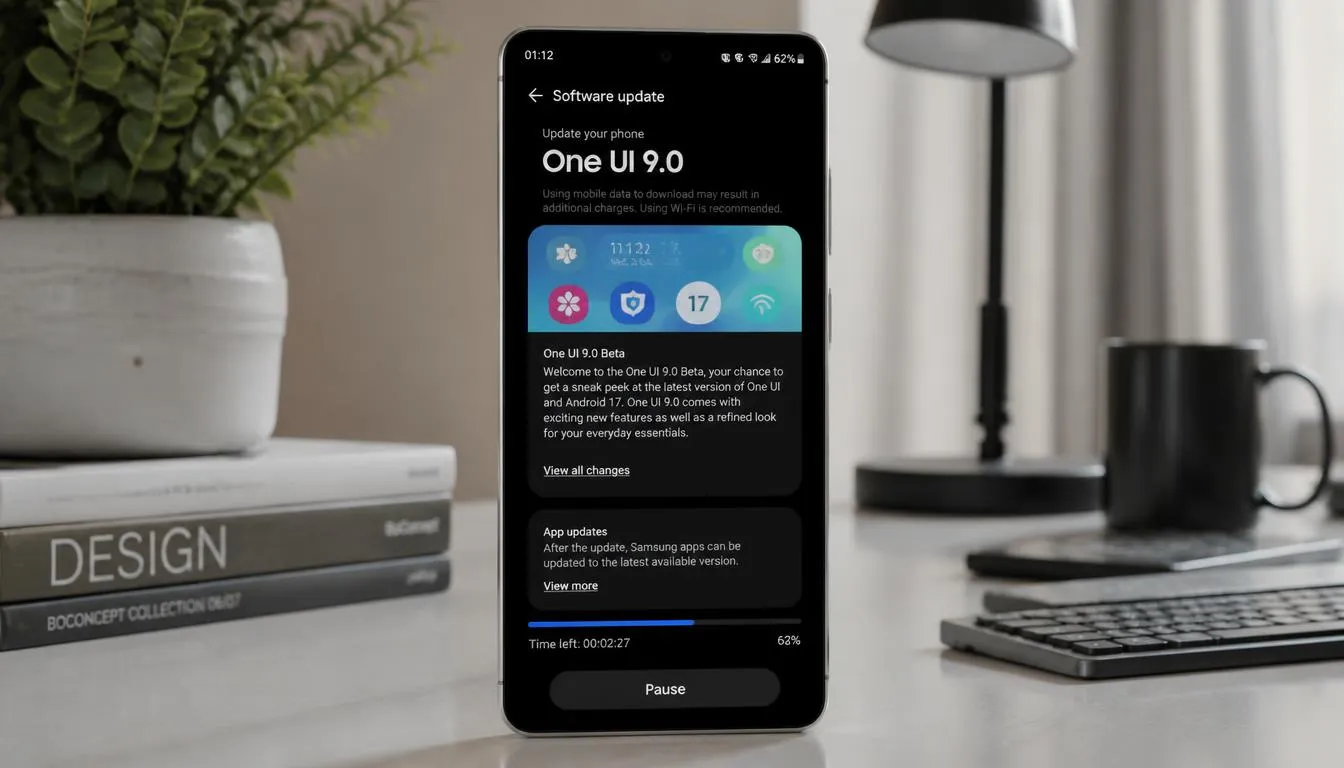
If you own a Galaxy S25 Ultra, checking for the update is simple. Open Settings, select Software update, and tap Download and install. If the update is available for your region and model, the phone should show the available package.
Before installing a large update, keep the battery charged. It is also smart to back up important photos and files. A major software update can take time, so installing it over a stable Wi-Fi connection is a good idea.
One UI 9 S25 Ultra: How the Update Can Improve Daily Use
The biggest change with one ui 9 s25 ultra is not one single feature. It is the way several small tools work together. Samsung is trying to make the phone more aware of what you are doing. This can mean fewer taps, faster actions, and better access to useful information.
For example, you may be planning an event in a chat, recording an important talk, or scanning a paper note. One UI 9 adds tools that can help in these moments. The result should feel less like using separate apps and more like having one connected Galaxy experience.
Galaxy AI Gets More Personal
Galaxy AI remains a key part of One UI 9. Samsung is adding more context-based features that can help users create content, translate conversations, and manage information. These tools are designed to work with the user’s activity and selected data.
Still, AI features have limits. Results can vary based on language, country, device, app, and network access. Some features also require a Samsung Account. Users should treat AI output as a helpful tool rather than assuming every result will always be perfect.
One UI 9 S25 Ultra and Privacy
Privacy is an important part of the new update. Samsung is adding tools that can make possible risks easier to notice. Privacy Alerts can use on-device AI to identify certain unusual permission activity.
This does not mean every privacy risk will be detected. Samsung notes that privacy alerts may not account for every possible factor. Users should still review app permissions and avoid installing apps from unknown sources.
Scam Detection Expands
Samsung is also expanding Scam Detection to more markets and languages. The feature is designed to help protect users from possible scam calls. Availability depends on the country, language, device, and software version.
For many users, this can be useful because scam calls can look convincing. However, no automated system can catch every threat. Users should still be careful with unknown callers and should never share passwords, banking details, or verification codes over an unexpected call.
One UI 9 S25 Ultra Performance Expectations
A software update does not automatically mean that every task will become faster. Performance can depend on the app, storage, battery condition, background tasks, and other factors. The Galaxy S25 Ultra already has powerful hardware, so the value of One UI 9 is also in its new features.
The update is more about a smoother overall experience. Better menus, smarter suggestions, improved AI tools, and cleaner system functions can make daily use easier. Think of it as improving many small roads rather than building one huge highway.
How Large Is the One UI 9 Update?
The download size can vary. Reports from Galaxy S25 series users indicate that the stable update can be several gigabytes in size. The exact package depends on the previous software version installed on the phone.
Users moving from an older version may see a larger download than people moving from a recent beta build. Because the update can be large, it is better to use Wi-Fi and keep enough free storage available.
How to Install One UI 9 on the S25 Ultra
You can check manually when the update reaches your device. Follow these steps:
- Open Settings on your Galaxy S25 Ultra.
- Tap Software update.
- Select Download and install.
- Wait while the phone checks for new software.
- If One UI 9 is available, follow the instructions on screen.
- Keep the phone charged while the installation runs.
Do not turn off the phone during installation. It is also wise to back up important photos, videos, documents, and other files before a major software update.
Why the Rollout Is Gradual
Samsung does not always release a major One UI update to every country at the same time. The rollout can happen in stages. A new build may first appear in one market and then expand to other regions after Samsung checks stability.
This means two people with the same S25 Ultra model may see different update dates. Carrier versions can also follow a different schedule. If your phone does not show the update yet, that does not necessarily mean there is a problem with your device.
What About the S26 Ultra One UI 9 Update?
The S26 Ultra One UI 9 rollout is also important because the S26 series received the new software first. Samsung began the initial rollout with the Galaxy S26, S26+, and S26 Ultra before expanding One UI 9 to older flagship devices.
Reports indicate that beta users in parts of Europe and India began receiving the stable release. Other markets may follow later. This staged process gives Samsung more time to expand the software across different regions and carrier versions.
One UI 9 S25 Ultra vs Older One UI Versions
One UI 9 builds on features introduced in earlier Galaxy software. The difference is that Samsung is putting more attention on context-aware AI, privacy information, creative tools, and connected device support.
Users coming from an older version may notice several changes at once. Some will be visible immediately, while others work quietly in the background. The exact experience depends on the apps and services installed on the phone.
One UI 9 Features That S25 Ultra Users May Notice Most
For everyday users, some features may have more practical value than others. These include:
My FanCam for easier video reframing
Now Brief customization
Now Nudge suggestions
Improved Interpreter
Better Document Scan
Structured Voice Recorder summaries
Privacy Alerts
Easier Warranty and Care
Expanded Scam Detection in supported markets
The best feature will depend on how you use your phone. Someone who records many videos may notice My FanCam more. A student may find Document Scan and Voice Recorder more useful.
One UI 9 S25 Ultra Feature Availability
Not every feature is available everywhere. Samsung states that availability can change based on country, region, language, device model, carrier, app, and software version.
Some tools also need a Samsung Account. Certain AI services may need a network connection or a downloaded language pack. This is important to remember before assuming that every One UI 9 feature shown in an announcement will appear on every S25 Ultra.
Is One UI 9 Free for Galaxy S25 Ultra?
Yes, One UI system updates are provided as software updates for supported Galaxy devices. You do not normally need to buy the software separately. However, some connected services or optional Samsung services may have their own availability or requirements.
The key point is that receiving One UI 9 depends on Samsung’s rollout for your exact model and market. If it has not arrived yet, checking the Software update menu from time to time is the easiest approach.
FAQs About One UI 9 S25 Ultra
1. Is One UI 9 available for the Galaxy S25 Ultra?
Yes. Samsung has started bringing One UI 9.0 to the Galaxy S25 series. The rollout is gradual, so availability can differ by country and carrier.
2. Is One UI 9 based on Android 17?
Yes. One UI 9.0 is Samsung’s interface and feature layer built on Android 17. It adds Samsung-specific AI, privacy, system, and Galaxy app improvements.
3. How can I check One UI 9 on my S25 Ultra?
Open Settings > Software update > Download and install. Your phone will check whether a compatible update is available for your device and region.
4. Does One UI 9 improve Galaxy AI?
Yes. Samsung has added and improved several AI-based functions. These include context-aware suggestions, creative prompts, translation improvements, and personalized information tools.
5. Will every S25 Ultra get the same One UI 9 features?
Not always. Features can vary by region, language, carrier, app, device model, and Samsung Account availability. Some features may also require an internet connection.
6. Is My FanCam available on the S25 Ultra?
My FanCam is part of the One UI 9 feature set, but its availability can vary. It also needs a Samsung Account and may not work when there is no suitable person or subject to track.
7. Should I back up my S25 Ultra before updating?
Yes. A backup is a sensible step before installing any major software update. Save important photos, videos, documents, and other personal files before starting the installation.
Final Thoughts on One UI 9 S25 Ultra
The one ui 9 s25 ultra update brings more than a visual refresh. Samsung is using One UI 9 to make Galaxy AI more useful, improve translation and scanning, add stronger privacy awareness, and simplify device support.
For S25 Ultra owners, the most useful changes may be the ones that quietly save time. A video can be easier to frame. A translated chat can be easier to follow. A scanned page can look cleaner. These small improvements can add up during everyday use.
As the rollout continues, availability will depend on the market and device version. If your S25 Ultra has not received One UI 9.0 yet, you can check the Software update section regularly. The update experience may vary, but the overall goal is clear: make the Galaxy experience more personal, useful, and easier to manage.